When you review a campaign in SurfAholics TE, a rising hit count tells you that the tracker has recorded traffic. It does not tell you how many people subscribed, became customers, or found the offer useful. Read each figure as a different part of the campaign, then compare numbers that describe the same destination and reporting period.
Start with what the report actually counts
The member area’s Ads menu leads to Rotators, where the tracker tools include Daily Stats and Conversion Tracking. The tracking-statistics table uses the headings Hits, Convs., and Conv. Rate. Its available views include Trackers, Rotators, Sources, and Combo Stats.
Hits are recorded traffic events, not a verified count of unique people. Repeat visits and your own checks can affect a traffic count. Keep a note of test visits and avoid describing every hit as an interested prospect.
Convs. means recorded conversions. A conversion represents the action your tracking setup measures; it is not automatically a signup or a sale. Confirm that the intended action triggers tracking before relying on the column. A zero can mean no recorded actions, but it does not by itself prove that no one responded or that tracking is working.
Use one matched example
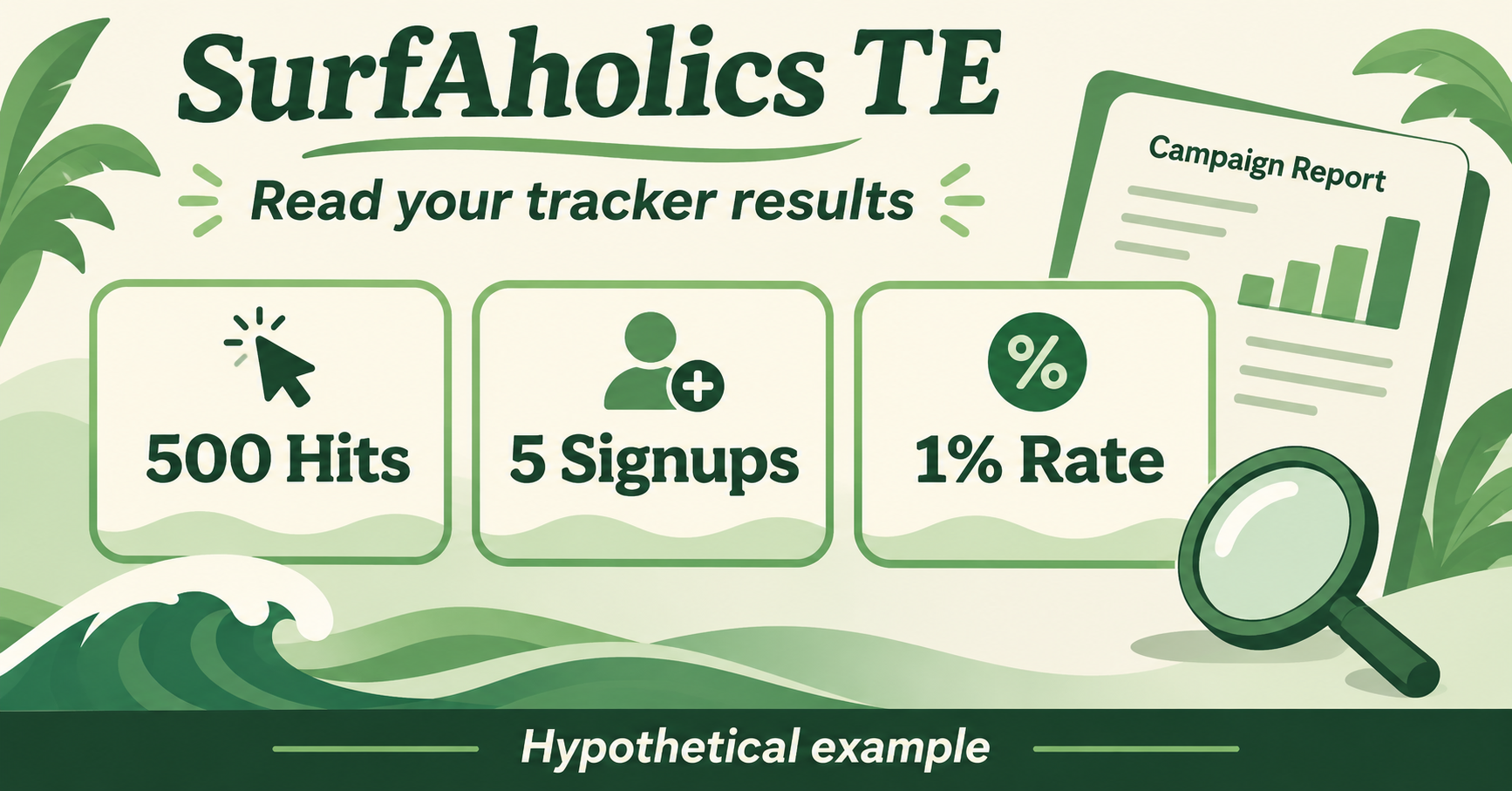
Suppose a hypothetical campaign records 500 hits and five completed signups over the same period. If signup tracking has been configured and checked, the observed signup rate is five divided by 500, multiplied by 100: 1%.
This is an illustration, not a forecast or an actual member result. It does not mean five customers, five unique buyers, or a profitable campaign. If the five signups came from a separate form report, describe them as confirmed form signups and check whether they can be attributed to those 500 tracked hits before presenting a conversion rate.
Match the scope before comparing
Write down the tracker name, destination, source view, and reporting dates. Use Daily Stats when reviewing day-by-day traffic. Do not compare a cumulative tracker total with this week’s form submissions or treat an all-source total as the result of one advertisement.
A rotator distributes traffic across destinations, so an overall rotator figure may answer a different question from an individual tracker row. Check which view and filters you are reading. Keep campaign versions separate if the destination or offer changed during the period.
Keep sales and profit separate
A recorded signup is a useful intermediate action, but a sale needs its own evidence. If another report attributes a sale to a link, check the attribution rules and reconcile it with your sales records. Attribution alone does not establish that advertising caused the purchase.
Profit also requires costs: advertising purchases, relevant fees, refunds, and any other campaign expense. Earned credits and time spent promoting are different inputs from cash sales. A tracker’s traffic or conversion rate cannot establish profitability on its own.
Finish with one practical decision
Save a short review: what the report measured, what remains unverified, and one next step. You might check conversion setup, clarify the page’s offer, or collect a longer matched reporting window. Keep the first change small enough to understand. Better measurement helps you choose what to investigate; it never guarantees leads or sales.