How to Keep a Sticky Footer From Covering Focused Controls
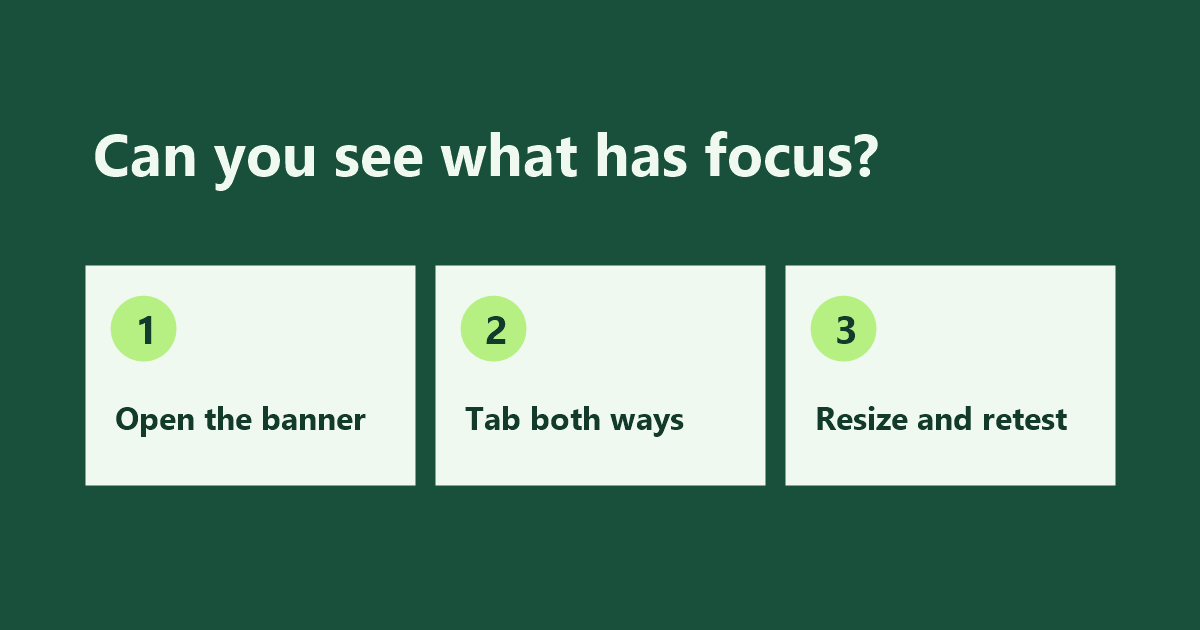
Sticky-banner check: open the banner, tab in both directions, then resize and retest.

Before sending visitors from SurfAholics TE to a landing page, try reaching its main button with your keyboard. A cookie banner, chat panel, or floating offer can cover a link or form field even after the browser has moved keyboard focus to it. When the focused control disappears behind the banner, visitors can lose track … Read more
How to Align Time Zones in Traffic Exchange Reports

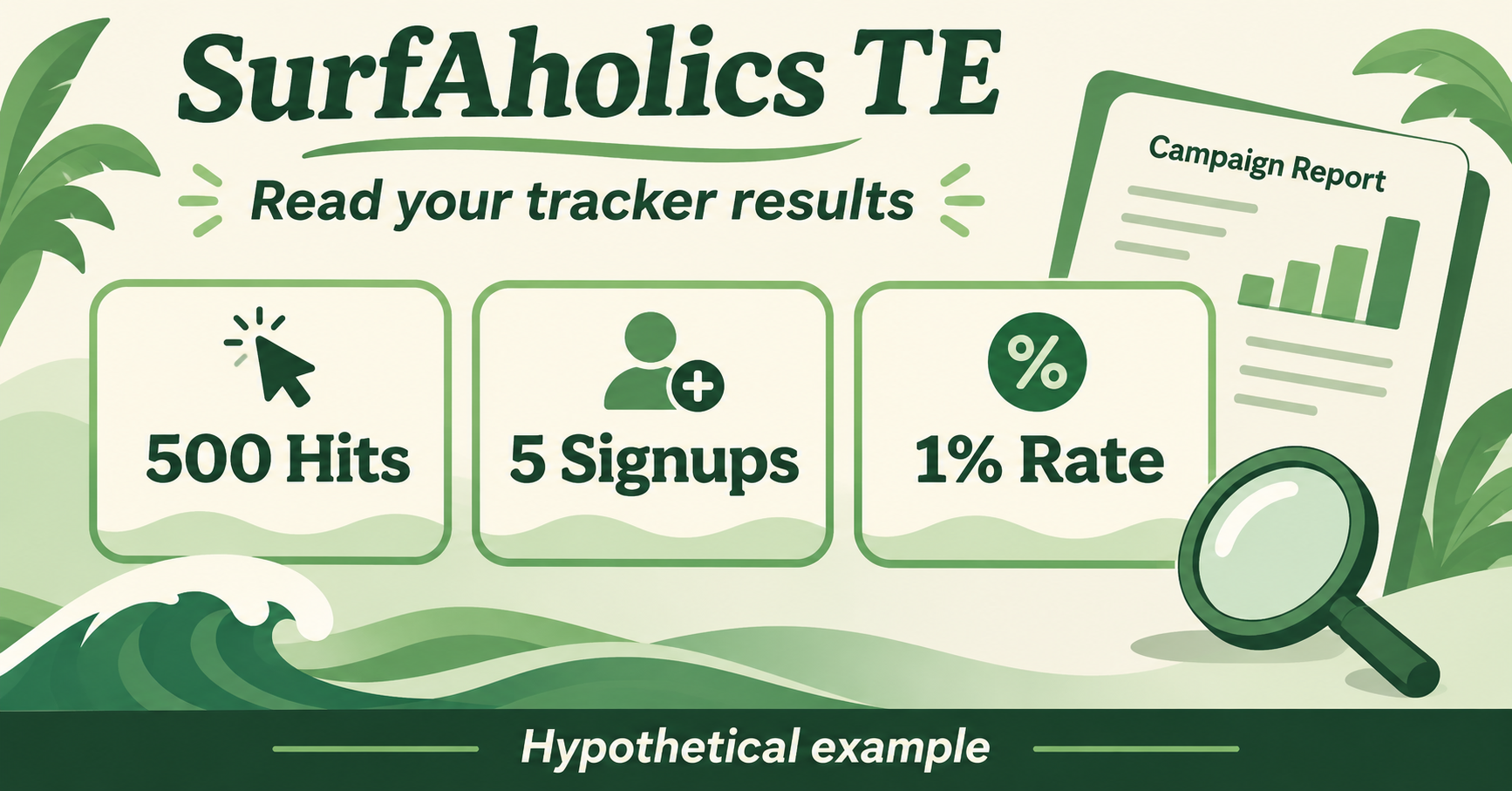
Hypothetical SurfAholics TE tracker example: 500 hits, five signups, and a 1% signup rate.

When you compare campaign activity from SurfAholics TE with a website analytics report, check which time zone each report uses. The same visit can appear on Thursday in one report and Friday in another. Knowing the reporting window helps you decide when a mismatch is worth investigating. Record the reporting window before copying totals For … Read more

How to Review Your Weekly Traffic Exchange Advertising Inventory

Weekly review of traffic exchange advertising inventory and campaign assignments.

A weekly traffic exchange advertising inventory review helps you decide where your next credits or impressions should go. If you advertise through SurfAholics TE, set aside a few minutes to record what is available, what you have assigned, and which destinations still deserve traffic. Record each inventory type separately Make one line for website credits, … Read more

How to Review Traffic Exchange Text Ads Before Assigning Impressions

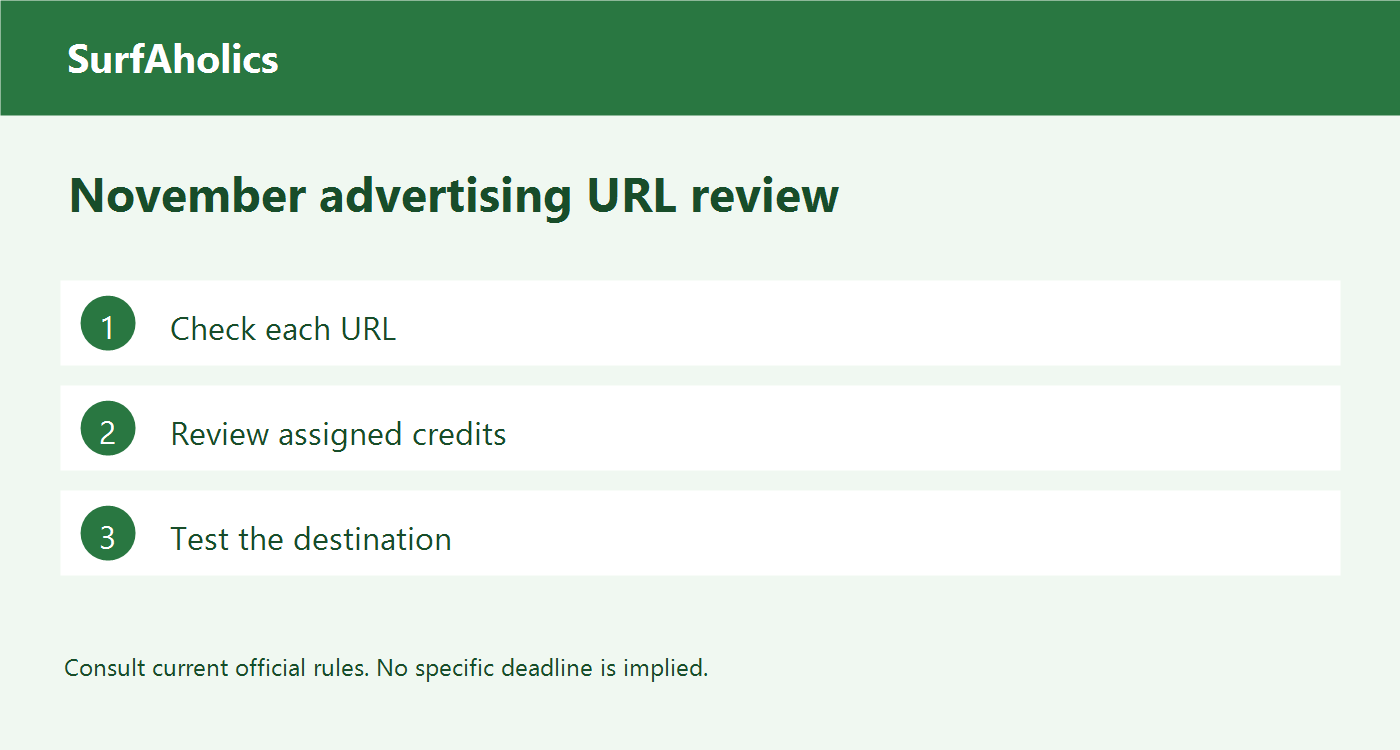
SurfAholics TE quarterly advertising link cleanup checklist for November.

Before assigning impressions on SurfAholics TE, review the saved version of your text ad. When a preview or live test is available, use it to walk through the same path a visitor would take. The checks below give you a simple pass-or-hold decision while the ad is still easy to correct. Compare the saved ad … Read more

How to Check a Traffic Exchange Banner Before Assigning Impressions

Comparing crowded and clear traffic exchange banner advertising designs.

Before assigning banner impressions on SurfAholics TE, check the finished advertisement at the size and destination your visitors will actually encounter. This traffic exchange banner checklist is an acceptance test for a ready creative: can the image display correctly, communicate one useful promise, and take an interested person to the right place? Inspect the actual … Read more

How to Put Your SurfAholics TE Surfer Rewards to Work in an Advertising Campaign

Choosing credits, banner and text impressions, or square ads to match a ready SurfAholics TE campaign.

Once you have chosen a reward on SurfAholics TE, the next job is to connect that advertising inventory to a campaign you can actually use. A reward balance and an advertisement receiving exposure are different stages. This guide focuses on that handoff, rather than on which reward to claim. Start with one ready advertisement Choose … Read more

How to Choose a SurfAholics TE Surfer Reward You Can Use

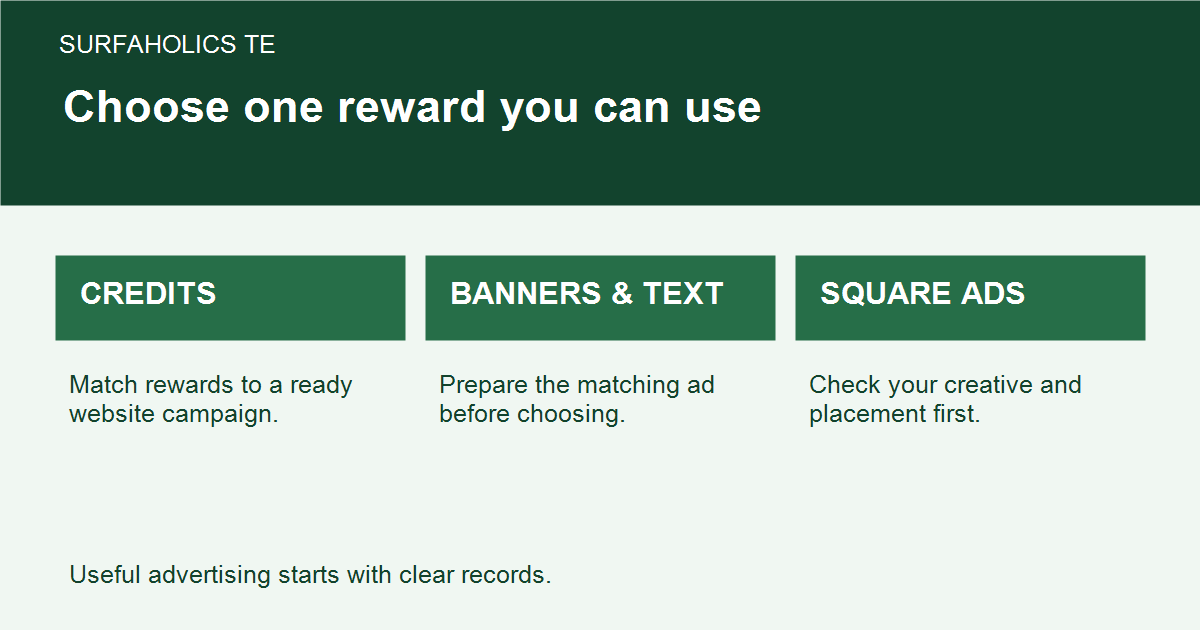
Choosing credits, banner and text impressions, or square ads to match a ready SurfAholics TE campaign.

SurfAholics TE Surfer Rewards give you a choice of advertising inventory at qualifying milestones. The useful choice is the one you have a campaign ready to use. Before selecting a reward, check the current member-page terms and remember that a choice of one item does not mean you receive every item listed. Read the daily … Read more

How to Check Color Contrast on a Traffic Exchange Landing Page

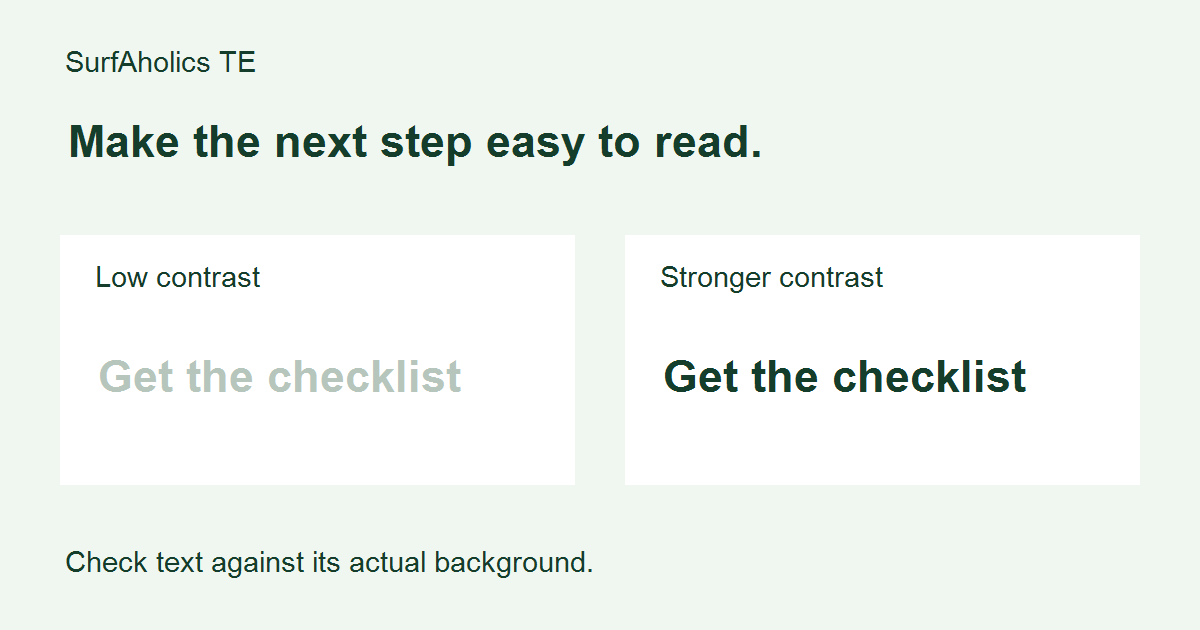
Comparing a faint signup label with a stronger-contrast label on a traffic exchange landing page.

Before sending visitors from SurfAholics TE to a landing page, check whether they can read its essential text against the background. Color contrast is the difference in lightness between those colors. A faint button label can hide the next step even when the offer itself is clear. Here is a repeatable check you can record … Read more