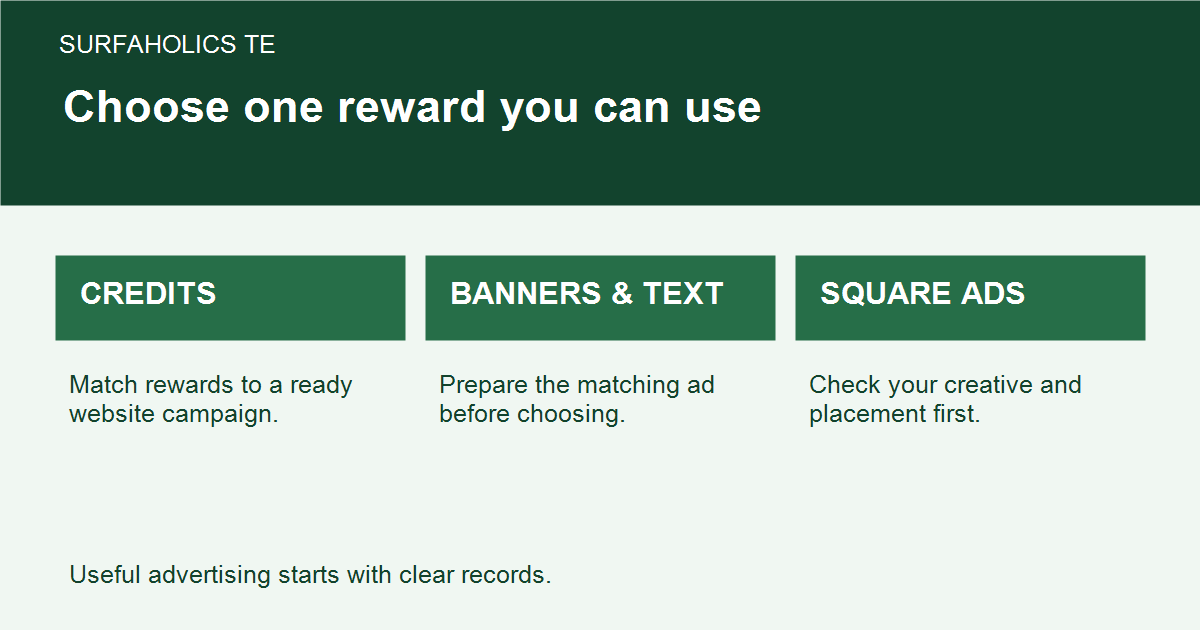
Once you have chosen a reward on SurfAholics TE, the next job is to connect that advertising inventory to a campaign you can actually use. A reward balance and an advertisement receiving exposure are different stages. This guide focuses on that handoff, rather than on which reward to claim.
Start with one ready advertisement
Choose one destination page and one action you want an interested visitor to take. Read the page, test its links and form, and make sure its promise matches your advertisement. Keep a note of the exact destination and the version of the ad you intend to run. An old offer or unfinished signup page is a reason to wait before allocating more inventory.
Match inventory to its advertising format
Site credits, banner impressions, text impressions and square impressions are separate kinds of inventory. A balance in one format does not automatically fund another. Check what your account actually received, then use the corresponding advertising area. If the reward is still only an available choice, complete the claim under the current member-page terms before treating it as a usable balance.
Read the current on-screen instructions before making an assignment. Confirm the ad’s identity, destination, approval state and available balance. Do not assume that a saved ad is enabled or that a claimed reward has already been assigned. If the account screen does not explain a field, use support rather than guessing at its effect.
Use a small first allocation
Choose an amount you are comfortable testing and confirm which advertisement will receive it before saving. Leave enough inventory uncommitted to correct a mistake or compare a later revision. After saving, revisit the record and check that the assignment appears on the intended ad. This is a verification step, not a reason to submit the same assignment twice.
Keep assignment and delivery separate
Write down the starting balance, amount assigned, date and ad identifier shown in your account. Later, record the delivery figure using the platform’s exact label. An assigned amount is not proof that all exposure has already occurred. If delivery is lower than expected, check the existing record’s status and instructions before adding more credits or creating another copy.
Review responses after exposure
For a hypothetical example, a member has earned text impressions and has one approved text advertisement for a useful guide. The member checks the destination, makes a small allocation to that ad and records the delivery reported later. The destination’s own measurements then show whether visitors requested the resource. Exposure, visits, requests and sales belong in separate columns; none guarantees the next.
Change one meaningful part of the campaign at a time and record it. That makes the next review more useful than simply spending the rest of the balance. Daily Surfer Rewards and reciprocal cross-promotions can have different requirements, so use the current instructions for the reward you actually earned. The practical goal is a clear path from claimed inventory to one verified assignment and an honest review of what followed.