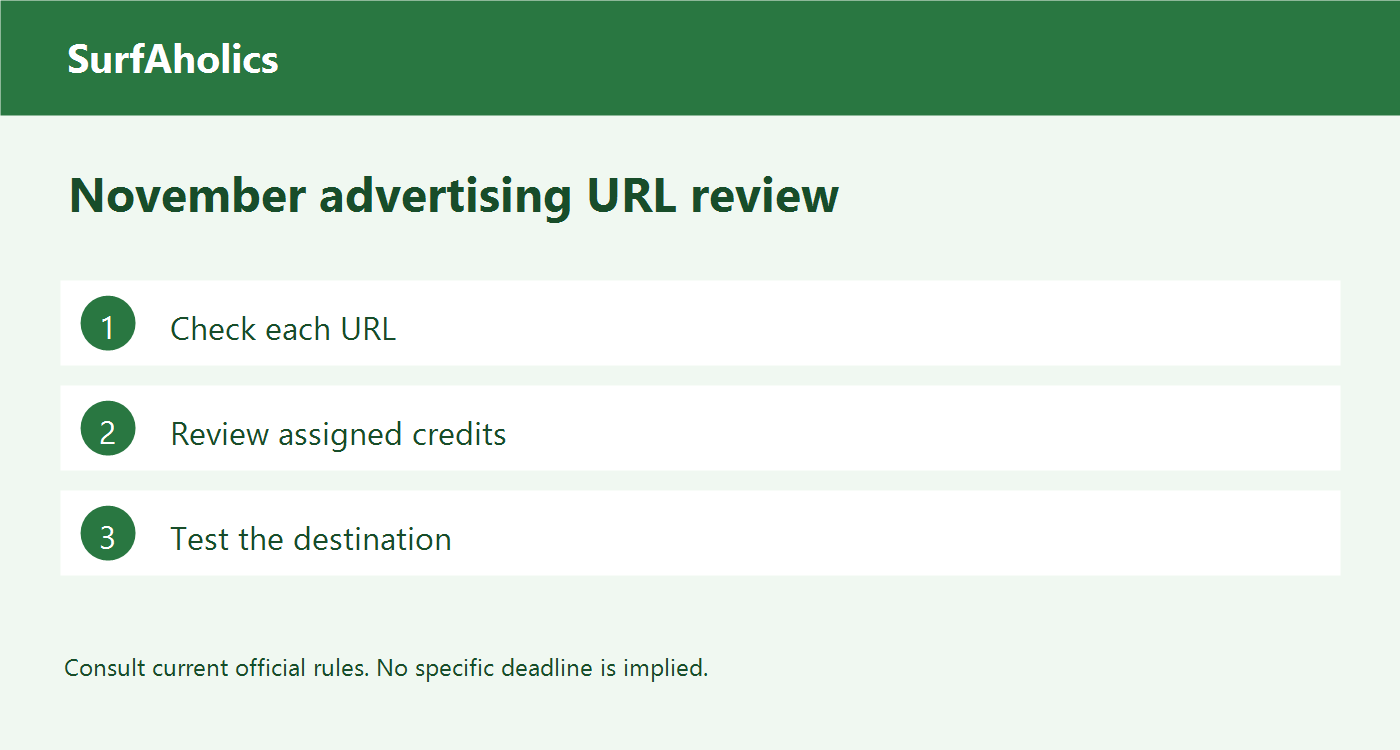
Before assigning impressions on SurfAholics TE, review the saved version of your text ad. When a preview or live test is available, use it to walk through the same path a visitor would take. The checks below give you a simple pass-or-hold decision while the ad is still easy to correct.
Compare the saved ad with your approved copy
Keep the final copy and destination side by side with the saved ad. Look for an old version, a missing word, a line break that splits a phrase, or a condition that disappears at the end. A preview on a wider screen can hide a problem that shows up on a phone. If you cannot access the actual placement before launch, mark that check as pending and review the placement when it first appears.
Test the destination from the ad itself
Follow the ad’s link from the preview or placement when available. Opening a bookmarked copy of the page proves only that the bookmarked address works. Confirm the final page after any redirects, then check it in a signed-out session if you can. A page that opens for you as a site owner might ask a new visitor for access.
Use a clear pass-or-hold decision
Imagine your saved ad invites visitors to read a two-page checklist. The link loads, but it opens a registration screen with no mention of the checklist. Hold that ad until the saved wording and destination describe the same next step. If the corrected ad explains that the checklist requires registration, follow the link again and check that the landing page makes the resource easy to identify.
Record which version passed
Write down the ad name or ID, the wording you checked, the destination, the date, and any pending checks. Repeat the relevant check if you later change the link, copy, or offer. That short record helps if you have two similarly named ads or need to identify which version received impressions.
Review delivery after the first assignment
Where your account shows delivery activity, make sure the intended ad is the one receiving impressions. An impression measures display, while a click measures a visit attempt. Track registration or sales through the tools that measure those actions. Keep placement checks and results in separate notes so you can tell when a problem is in the saved ad, the destination, or the response after a visitor arrives.