Before sending visitors from SurfAholics TE to a landing page, try reaching its main button with your keyboard. A cookie banner, chat panel, or floating offer can cover a link or form field even after the browser has moved keyboard focus to it. When the focused control disappears behind the banner, visitors can lose track of where they are and what pressing Enter might do.
Find the element that actually scrolls
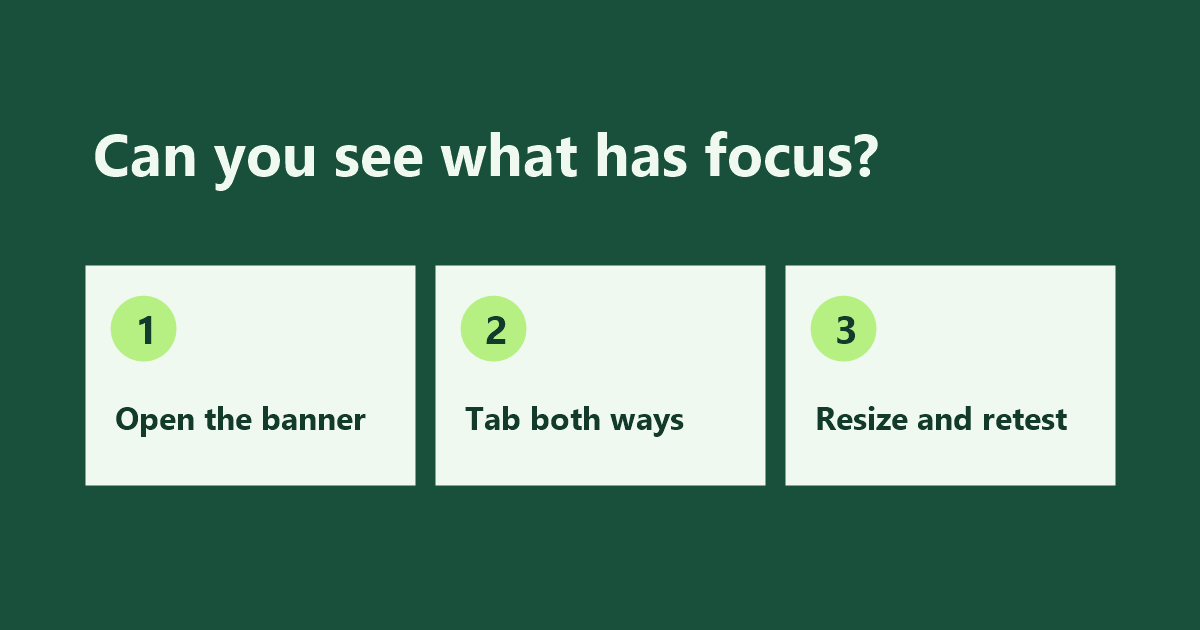
Open the exact advertised URL in a fresh browser session. Leave the page in the state a first-time visitor gets, including any banner that appears automatically. Press Tab to move forward through the page and Shift+Tab to move backward. At each stop, check that you can see which link, field or button is focused. Pay close attention to controls near the bottom of the screen and just below a sticky header.
If the banner is a dialog visitors must act on first, check that the keyboard can reach its choices and that focus moves somewhere sensible when the dialog closes. For a banner that leaves the rest of the page available, check that the banner does not cover any control as you tab past it.
Measure the footer in its tallest state
A banner that fits on one line on a desktop may wrap into three lines in a narrow window. Resize the window, increase browser zoom, and walk through the same controls again. If the page shows a chat panel after a short delay, test with that panel visible too. Record the first control that disappears, which panel covers it, and what size or zoom setting brings out the problem.
Reserve room for the focused control
Suppose a sticky footer covers the last form button when you press Tab. First check what scrolls: it may be the whole page or an inner panel. Apply CSS scroll-padding-block-end to that scrolling container to reserve a strip above the footer when the browser scrolls a focused control into view. For a 72-pixel footer, 88 pixels leaves 16 pixels of breathing room. If the last control still cannot scroll clear, add space after the content so the container can scroll far enough. At breakpoints where the footer wraps, increase the reserved space or put the footer back in normal page flow. Keep the focus outline visible throughout.
The W3C guidance on focus visibility when content overlaps explains how sticky headers and footers can hide focused controls. Aim to make the entire control and its focus indicator visible whenever possible.
Retest the exact advertised page
Reload the live destination and repeat the sequence with the banner open, then run it again after dismissing the banner. Try both directions and the viewport where the problem first appeared. Keep the traffic allocation paused if a visitor still cannot see or use the main action. Once the page passes, save the URL, viewport, and controls you checked in your campaign notes so you can repeat the test when the page layout changes.