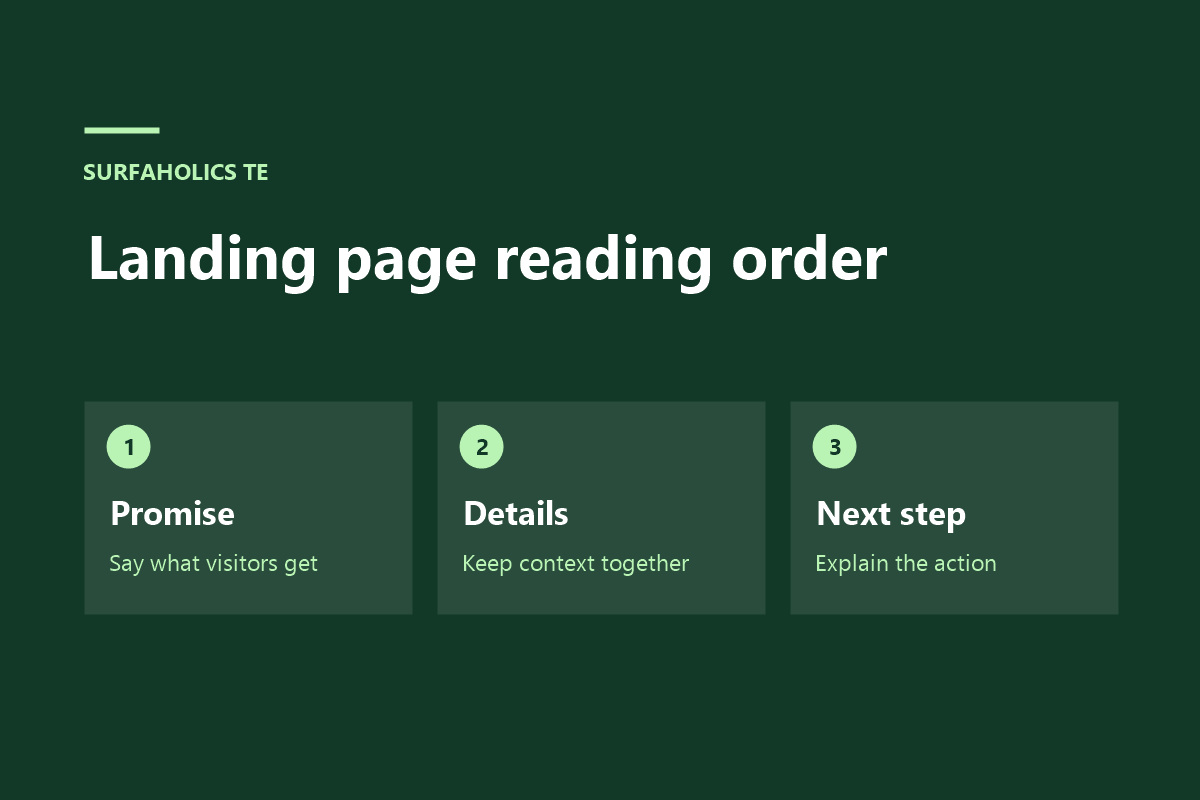
Before you send visitors from SurfAholics TE to a landing page, read the page from start to finish without relying on its visual layout. If a signup prompt comes before the explanation it depends on, someone reading the page in sequence may miss what they’re agreeing to.
Decide what has to come first
Write down the order a first-time visitor needs. For a free checklist, that might be the promise, what the checklist covers, what happens after signup, and then the form and its submit button. A testimonial can sit elsewhere if the visitor can understand the offer and act without it.
The W3C’s guide to meaningful sequence explains when order matters. If moving a section changes what another section means, keep those sections together in an order the browser and assistive technology can determine.
Read the whole page in sequence
Open the page in a screen reader and use its continuous reading command from the beginning of the main content. Listen for what is introduced before each action, where conditions are explained and whether an unrelated sidebar interrupts a thought. Write down the first place where you need to backtrack to understand a sentence or control.
Then compare the sequence with the visual page at a wide and a narrow viewport. As a quick diagnostic, disable the page’s styles or inspect the order of its main sections in developer tools. Follow with another screen-reader test because styling can affect which content is shown and how some browsers expose it.
Fix the source order when context gets separated
Suppose a two-column design uses visual positioning to put the offer details above the form on mobile. The page source may still put the form first. Move the explanation and conditions before the form in the page builder or HTML, then arrange the columns from that logical starting point. Test the revised page at both widths.
If you also test with Tab, record that as a separate keyboard focus order check. Tab visits interactive elements, so it can skip the paragraphs that explain them. The continuous read-through checks whether that surrounding content reaches visitors in a usable sequence.
Make the check part of launch
Ask someone unfamiliar with the page to explain the offer, what information it asks for and what happens next after one read-through. Fix any place where they needed later information to understand an earlier step. Repeat the check whenever you move sections, change a template or add a signup prompt.