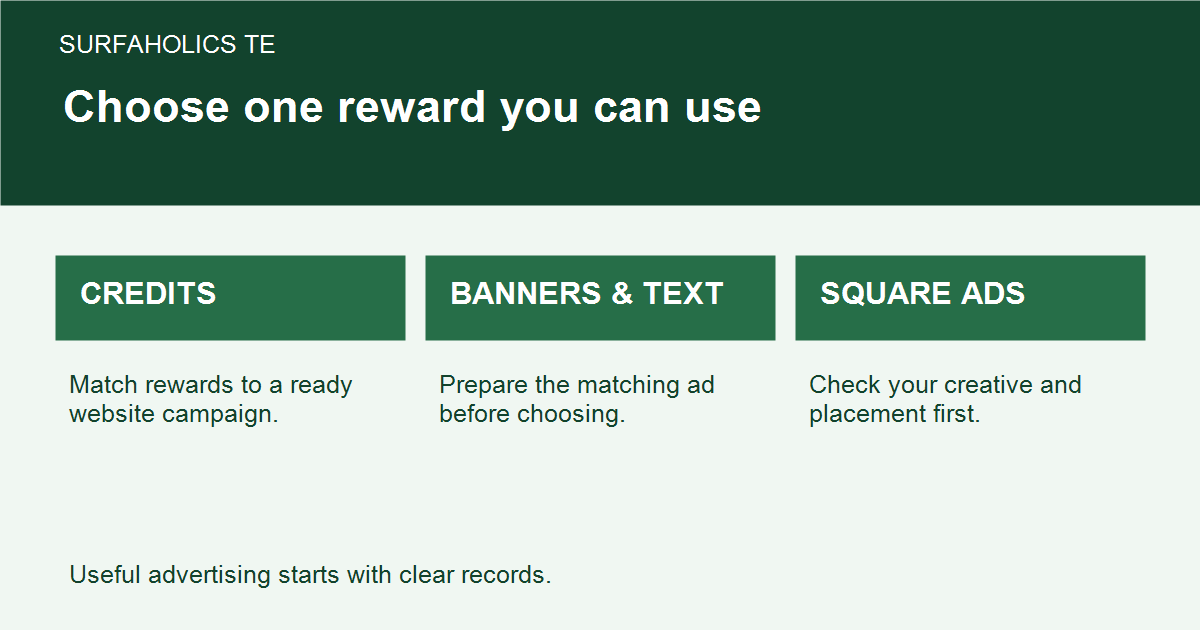
SurfAholics TE Surfer Rewards give you a choice of advertising inventory at qualifying milestones. The useful choice is the one you have a campaign ready to use. Before selecting a reward, check the current member-page terms and remember that a choice of one item does not mean you receive every item listed.
Read the daily reward row as a menu
The daily reward configuration reviewed on November 12, 2026 showed the following choices. The first number is the surfing milestone shown in that daily reward schedule. Each row offers ONE selection: credits, banner impressions, text impressions or square-banner impressions. These are dated reference values; the current member reward screen governs eligibility and availability.
| Milestone | Credits | Banners | Texts | Squares |
|---|---|---|---|---|
| 100 | 5 | 50 | 50 | 50 |
| 250 | 10 | 150 | 150 | 150 |
| 500 | 25 | 300 | 300 | 300 |
| 750 | 50 | 450 | 450 | 450 |
| 1000 | 100 | 650 | 650 | 650 |
These rows did not offer cash or membership upgrades. Do not add the four columns together or treat a higher milestone as a promise of a bundle. Check the live instructions for how qualification and claiming work; do not assume that reaching one milestone automatically claims every earlier row.
Choose for the advertisement you already have
- Credits: consider these when you have a current website destination ready for the exchange’s website advertising placement.
- Banner impressions: choose these when you have a suitable banner and a matching destination ready.
- Text impressions: use these for a clear text advertisement whose promise matches the landing page.
- Square-banner impressions: check that your square creative fits the current placement requirements.
A larger impression number is not directly comparable with a smaller credit number. They represent different inventory and placements. If you have no square advertisement prepared, square impressions may be less useful to your immediate campaign than credits you can assign sensibly. More inventory does not guarantee interested visitors, subscribers or sales.
Check the destination before choosing
Open the exact page you plan to advertise. Make sure its headline matches the advertisement, its main action works and its offer is still available. Prepare the corresponding creative before choosing inventory for that placement. Keep a short note of the reward type, amount actually awarded, destination and assignment date.
For example, a member with a finished text ad and a relevant guide might select text impressions at an eligible milestone. Another member with only a ready website campaign might prefer credits. These are planning examples, not a claim that either choice will produce a particular response.
Keep daily rewards and cross-promotions separate
A partner cross-promotion has its own participating sites, dates, surfing requirements and reward choices. Its terms are not the daily milestone table above. Read the specific promotion’s current instructions rather than borrowing a threshold or reward amount from another screen or an old newsletter.
Likewise, team activities and surfing-ratio bonuses are separate features. A historical article or a visible menu item does not establish that a particular benefit is currently running. Use the member area to confirm the feature you intend to use.
Review what you used, not just what you collected
At your next campaign review, separate rewards awarded, inventory assigned, reported delivery and confirmed response. Note the time spent as well. If a reward remains unused, prepare its advertisement or choose a better-fitting option next time. The goal is a manageable campaign with a clear message, not a growing balance with nowhere useful to send it.